Cybersecurity
What is two-factor authentication?
March 24, 2026 · 6 min read
You've probably heard or seen the term "two-factor authentication" (2FA) while browsing the web. Two-factor authentication is becoming increasingly common on websites that require a login and therefore a password.
While two-factor authentication was once only necessary for banking transactions and other highly secure activities, today it's becoming increasingly important to protect your personal data online. That's where 2FA comes in.
Why is two-factor authentication necessary?
Cybersecurity threats are becoming more complex and insidious every day. While this is reason enough to better protect yourself online, human factors also come into play. These variable factors are often the source of cyberattacks and must therefore be taken into account:
1. The human brain is not infallible
And yes, humans don't have perfect, flawless memories. Quite the opposite: it's actually very common to forget your password.
2. You probably have many different accounts
In 2021, we practically live on the web. Internet users have multiple accounts on social networks, media outlets, online stores, service providers, and more. And since the human brain is fallible, it's becoming increasingly difficult to keep track of all the different accounts.
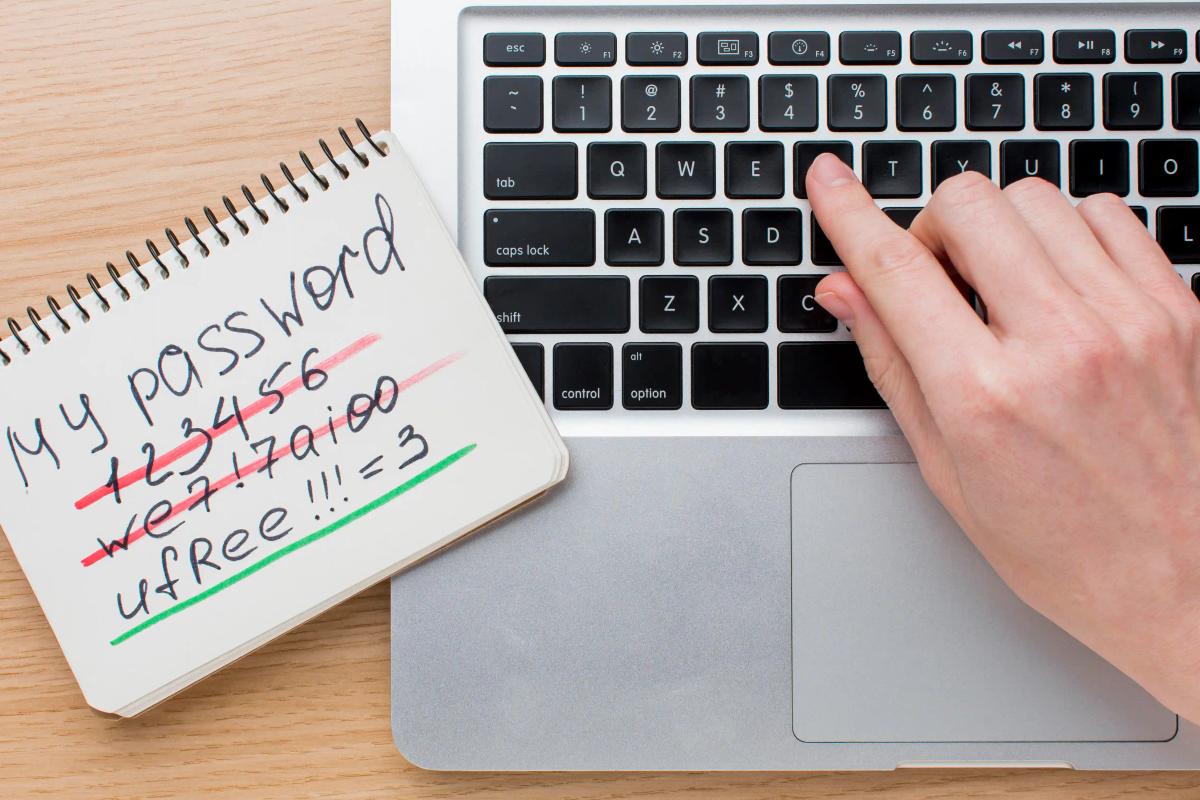
3. Passwords are easy to hack
When you consider that in 2019, 65% of Internet users reuse the same password at least once , if not more, you quickly understand the importance of password hacking. Once the hacker has found it, there is a good chance that they can access many different accounts with the same password.
As you can see, traditional passwords are no longer enough to guarantee online security, which is why it is essential to move towards a more secure solution such as two-factor authentication.
How does two-factor authentication work?
The goal of two-factor authentication is to verify a user's identity in order to mitigate attacks. By verifying a user's identity with a second factor, there is less chance that the user is a hacker.
Two-factor authentication, as the name suggests, uses two different factors to identify the user. These factors can be:
- Something I know: like a password or PIN.
- Something I am: like a fingerprint or a face.
- Something I have: a phone, a bank card.
To better understand, here is an example of how this works in real life: the website will ask you to authenticate with a username and password (1st factor), then it will ask you for a code sent to your phone (2nd factor). This makes authentication impossible without the phone. This way, your identity is verified twice!
The main types of second factors
Not all second factors offer the same level of protection. Here are the most common, from the most basic to the most secure.
SMS or email codes
A one-time code is sent by text message or email. It's simple and far better than a password alone, but it's the weakest option: text messages can be intercepted or redirected through SIM swapping, where a fraudster convinces a mobile carrier to transfer your number to their own SIM card.
Authenticator apps
Apps such as Microsoft Authenticator or Google Authenticator generate a code that changes every few seconds, directly on your phone. Because the code never travels over the phone network, this method is more secure than SMS.
Push notifications
Some services send a notification to your phone asking you to approve the sign-in. It's convenient, but you should only approve requests you started yourself. Versions that ask you to type a number shown on the login screen make accidental approvals much less likely.
Security keys and passkeys
Physical security keys (small USB or NFC devices) and passkeys rely on cryptography tied to the genuine website. They are considered phishing-resistant: even if you land on a fake login page, the key won't work there.
2FA or MFA: what's the difference?
Multi-factor authentication (MFA) is the broader term: it means using two or more factors to confirm your identity. Two-factor authentication is simply its most common form. Whether a service calls it MFA, 2FA or 2-step verification, the goal is the same: a password alone is no longer enough to get into your account.
How to set up 2FA in your business
- Start with the most critical accounts: email, administrator accounts, remote access, banking and accounting tools.
- Match the method to the risk: an authenticator app for most employees, and security keys for administrators and anyone handling payments.
- Store backup codes safely, for example in a password manager, so a lost phone doesn't lock anyone out.
- Explain the change before activating it, with a short guide and a contact person for questions.
- Plan for departures and lost devices: remove the access and registered devices of employees who leave, and have a secure procedure to reset a lost factor.
Common mistakes to avoid
- Approving a sign-in request you didn't make. Attackers who already have a password sometimes send repeated notifications, hoping the user will eventually tap "Approve" to make them stop.
- Giving a code to someone who calls or writes to you. A legitimate service will never ask you to read out your verification code.
- Protecting only some accounts. An unprotected email account can be used to reset the passwords of all your other accounts.
- Considering the job done. 2FA greatly reduces risk, but it works best alongside strong, unique passwords, software updates and employee awareness.
Can two-factor authentication be bypassed?
Yes, in some cases. Sophisticated phishing sites can capture both the password and the code in real time, and SIM swapping can defeat SMS codes. That's why phishing-resistant methods such as security keys and passkeys are recommended for the most sensitive accounts. Even so, 2FA remains one of the simplest and most effective measures you can put in place, because it stops many attacks that rely on a stolen password alone.
In summary
Two-factor authentication is becoming almost necessary to ensure good online security. And you're in luck, these days many sites offer 2FA by default! So if you don't already, go set it up now on your accounts such as Google, Outlook, bank accounts, etc., not forgetting password managers if you have any!
For a business, rolling out 2FA across every account and device is part of a broader security strategy. Our cybersecurity services can help you choose the right methods, deploy them and support your employees through the change.
About Nexxo
Nexxo Computer Solutions specializes in providing IT and technology services to Quebec businesses. Its mission is to offer Quebec companies IT services tailored to their needs. Acting as an external IT department, it handles all of a company's IT tasks, allowing it to focus on its business activities. It achieves this by collaborating closely with its clients and putting their interests at the center of its concerns.