Remote Work
How outsourcing makes teleworking easier for SMEs
March 24, 2026 · 5 min read
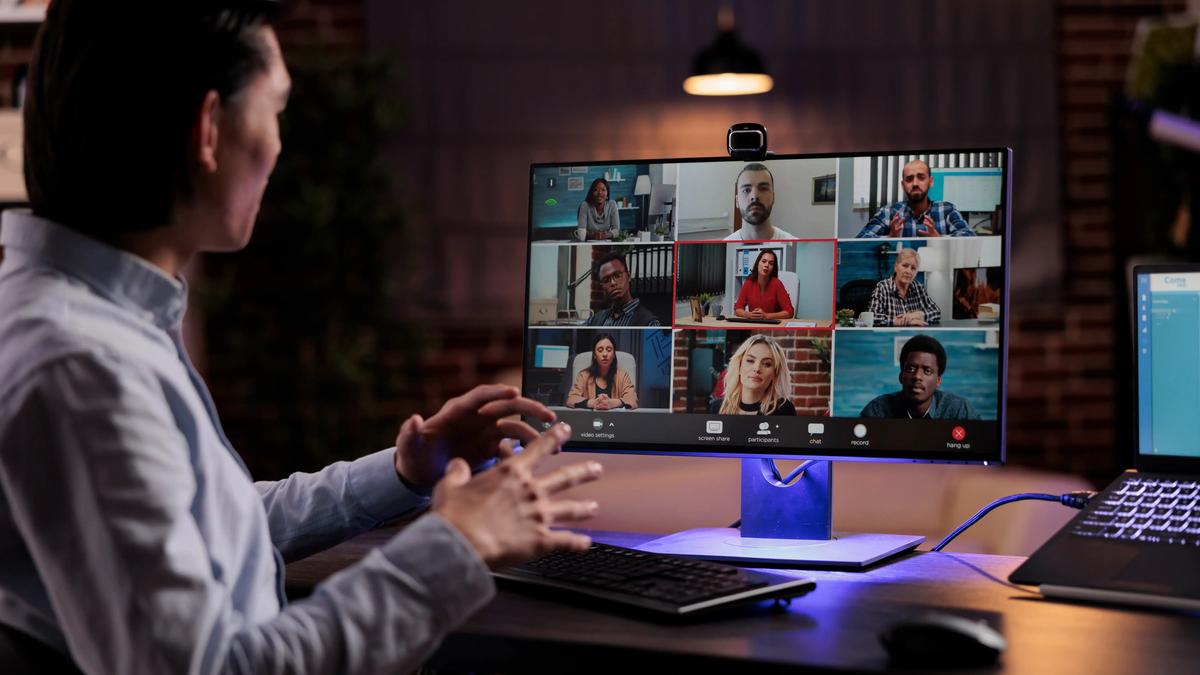
While teleworking scared more than one SME at the start of the pandemic, we can see today, after several months of adaptation and adjustments, that small businesses have shown great flexibility and agility!
A new challenge: teleworking in SMEs
In a world as digital as ours, the challenge that remote working represents for many SMEs may seem surprising. However, it represents a truly significant change for these small businesses.
Indeed, teleworking means adapting IT equipment and internal organization, but also raises the question of cybersecurity. Three very important aspects for the smooth running of a business. But these aspects can prove complex and therefore difficult to adapt, even for large companies that have more resources than SMEs.

Agility and flexibility
In recent months, the great strength of small businesses has been their ability to be flexible and agile in order to adapt their activities quickly and effectively.
As mentioned above, we had to adapt, particularly in terms of equipment. The entire team had to work from home overnight. This can be a difficult exercise without the right tools and resources.
This is why outsourcing can be the best solution: entrusting experts with the transition to remote work to ensure you are well-equipped and secure.
Using these services allows employees and managers to focus on their usual tasks without wasting time managing and organizing the new virtual workspace.
This also helps keep the workspace secure. In the event of a technical issue or cyberattack, our team of IT experts will be there to handle any unforeseen circumstances.
What outsourcing actually covers for a remote team
Outsourcing the IT side of remote work doesn't mean handing over the keys and hoping for the best. In practice, a managed services provider takes charge of the foundations your employees rely on every day, wherever they work:
- Equipment and setup: preparing and configuring laptops so each employee starts with a consistent, secure workstation.
- Secure access: setting up VPN or cloud-based access to company files and applications, with permissions based on each person's role.
- Collaboration tools: deploying email, video conferencing, shared drives and messaging so the team can keep working together.
- Remote support: a help desk that can connect to a computer at a distance and solve a problem without anyone having to travel.
- Updates and monitoring: keeping operating systems, software and antivirus up to date, and watching for unusual activity.
- Backups: making sure work saved on laptops and in the cloud is backed up and can be restored.
A security checklist for remote work
Working from home moves company data outside the office network, onto home Wi-Fi and sometimes personal devices. These measures form a solid baseline:
- Enable two-factor authentication on email, file sharing and every remote access tool.
- Use company-managed devices whenever possible, with disk encryption and automatic screen locking.
- Encourage a password manager and unique passwords for every account.
- Apply security updates promptly on all laptops, including those that rarely connect to the office.
- Ask employees to change the default password on their home router and keep it up to date.
- Train the team to recognise phishing emails: remote workers can't simply lean over to ask a colleague whether a message looks legitimate.
- Write down a simple procedure explaining who to call and what to do if a device is lost or a suspicious message is opened.
Common mistakes to avoid
- Letting everyone use personal computers without rules. Personal devices are harder to secure and support, and company data ends up mixed with family files.
- Sharing passwords to save time. Shared accounts make it impossible to know who did what, or to cut off access cleanly when someone leaves.
- Keeping files only on a laptop. If the device is lost, stolen or damaged, the work disappears with it.
- Treating the setup as temporary. Solutions improvised in a hurry tend to stay in place for years. Review them once the urgency has passed.
How to choose the right outsourcing partner
Before signing with a provider, ask a few concrete questions:
- What support hours do you offer, and how do you handle urgent requests?
- How do you manage security: monitoring, updates, backups, two-factor authentication?
- Can you support employees at home as well as in the office?
- Will we have a regular point of contact who knows our environment?
- How do you report on the work done and the state of our systems?
A good partner will answer clearly, explain what is included and adapt the service to the size and needs of your business rather than offering a one-size-fits-all package.
Call on outsourcing
As you will have understood, using an outsourcing service will bring great peace of mind, peace of mind that is almost necessary in this period of uncertainty.
Now that you know the benefits of managed services for remote work, all you have to do is contact us. We'll be happy to help you transition to a more secure and efficient virtual workspace!
To see how this works day to day, take a look at our managed IT services, which cover support, security and equipment for teams working in the office, at home or both.
Nexxo can help you with your digital transition
If you have any questions or would like to know more about managed services and/or digital transition, please do not hesitate to contact us. We would be happy to learn more about your goals and how we can use IT to help you achieve them. Be sure to follow us on Facebook and LinkedIn to find out when we publish a new article!
About Nexxo IT Solutions
Nexxo Solutions informatique is a company specializing in providing IT and technology services to Quebec businesses. Its mission is to offer Quebec companies IT services tailored to their needs. Acting as an external IT department, it handles all of a company's IT tasks, allowing it to focus on its business activities. It achieves this by collaborating closely with its clients and putting their interests at the center of its concerns.